French Content
How the French side of jessar.ca works, and what must never be translated.
One product, two sets of text
| English | French | |
|---|---|---|
| Web address | jessar.ca/en-ca/… | jessar.ca/fr-ca/… |
| Where the text lives | On the field itself | In the translation layer beside it |
| If it is empty | The block disappears | Falls back to the English text |
| Who sets it | Whoever enters the product | Whoever translates |
Only /en-ca/ and /fr-ca/ exist. A bare /fr/ address is not a page on this site.
Working through one product
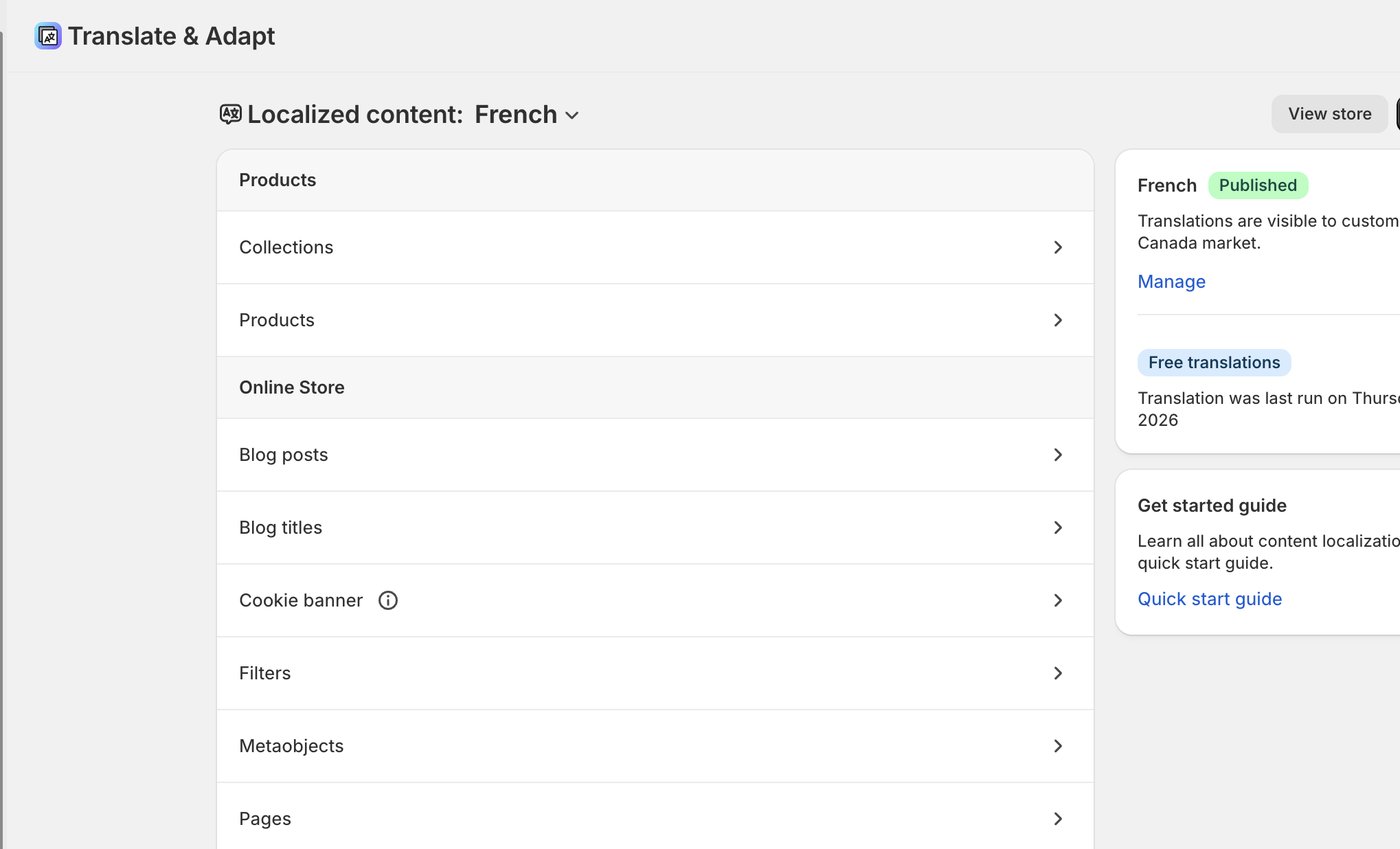
- Open the product in Translate & AdaptApps → Translate & Adapt → Products
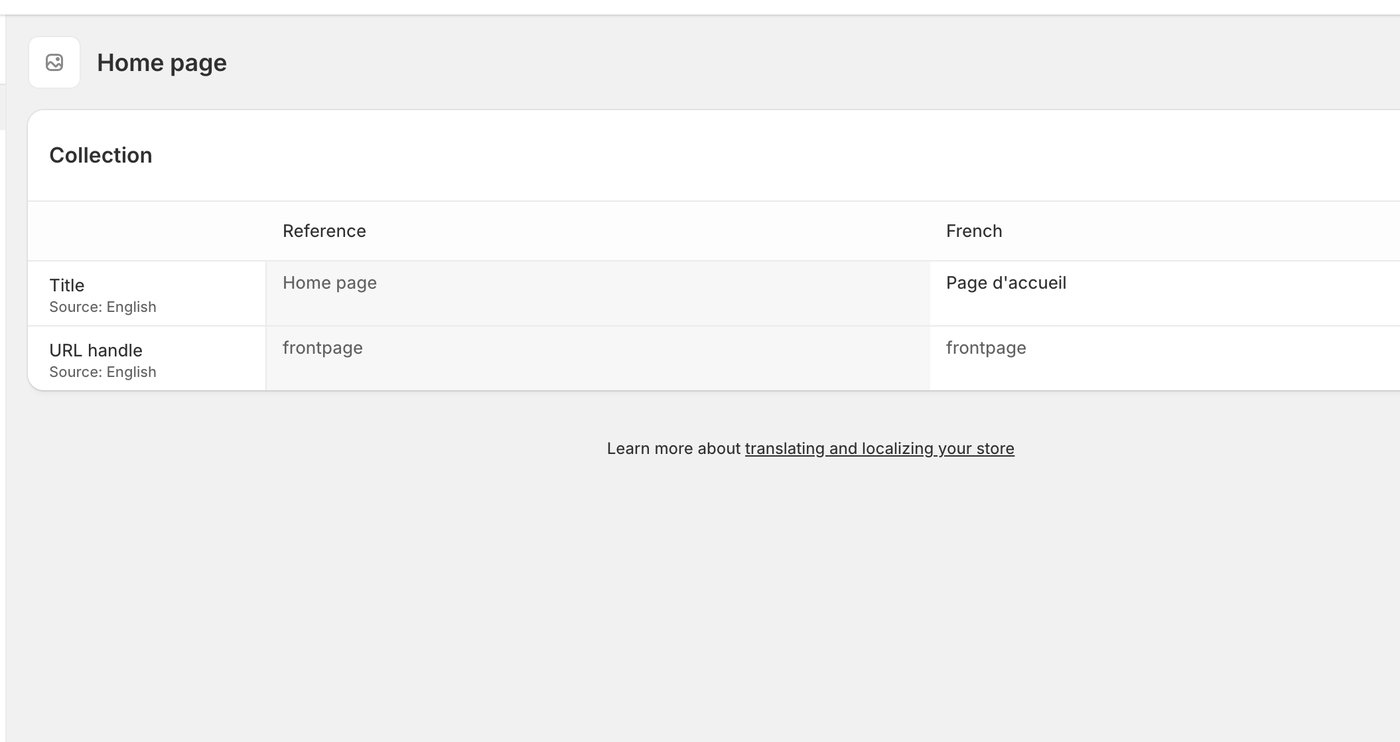
Find the product and switch the target language to French. The English text appears on the left, the French on the right.
The product is open with English on the left
- Work down every field, not just the titleTranslate & Adapt
Title, description, the selling paragraph, feature bullets, the meta row, and every specification value that is words rather than numbers. The list is longer than it looks — scroll to the end.
No field left showing only English
- SaveTranslate & Adapt
Saving writes the French values against the product. The English values are untouched.
Changes saved
- Check the live French pagejessar.ca/fr-ca/…
Open the actual French product page and read it. This is the only step that proves the work is done, because the admin shows no warning for missing translations.
No English text anywhere on the French page
Fields that break if they are translated
Some fields hold text but are not language. Translating them does not produce French — it produces a broken feature.
| Field | What happens if it is translated |
|---|---|
| Colour / finish | The value drives the colour swatch. A translated value no longer matches, and the swatch falls back to a plain label. |
| Setup guide · Bulb guide | These hold a web address. A translated address goes nowhere. |
| SKU · UPC | Part numbers. They are the same in both languages. |
| Numeric specification values | Wattage, voltage, lumens, dimensions. The number is the number. |
Where a value is a number with a unit — “12 in”, “60 W” — the unit may need translating but the figure does not. Check with RevShift before changing the convention on a whole field.
Conventions in use on this site
| English | French | Note |
|---|---|---|
| LED | DEL | Diode électroluminescente. Used throughout, including in titles. |
| SKU | UGS | Unité de gestion des stocks. |
| Shop / Buy | Browse — “Parcourir” | The site has no cart. Never use wording that promises a purchase. |
Packaging shots in the other language
Some products have French packaging photography — a box shot with French-facing artwork. Images are not part of the translation layer in the same way text is, so a French image is swapped rather than translated.
- Upload the French image to FilesContent → Files
Name it with the SKU and an _fr suffix so it can be found later.
File is in Files with a findable name
- Set it as the French version of the imageTranslate & Adapt → the product
Images that can be given a French alternative appear in the translation view alongside the text fields.
French version shows the French artwork
- Confirm on the French pagejessar.ca/fr-ca/…
Open the French product page and check the packaging shot.
The French page shows the French box
Where no French photography exists, leave the English image in place. An English box on a French page is a known gap; a missing image is a broken page.
What Translate & Adapt looks like